Best Rear View Monitor Features You Should Look For?
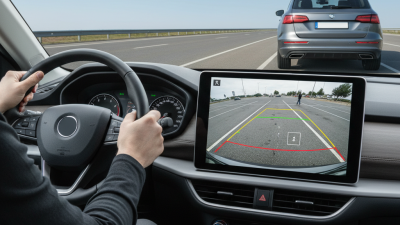
When choosing a rear view monitor, it's essential to consider various features that enhance safety and usability. A high-quality rear view monitor provides a clear image, helping drivers navigate with confidence. Key features often include screen size, resolution, and viewing angle. These elements significantly impact how effectively the monitor functions.
One must also reflect on personal preferences. For instance, do you need a unit that connects wirelessly? Or do you prefer a traditional wired model? Each setup has its pros and cons, affecting convenience and reliability. Additionally, the ease of installation and user interface can vary widely across different monitors. Evaluating these aspects can lead to a better driving experience.
Trustworthy brands often integrate advanced technologies, such as night vision and motion detection. While these features may seem appealing, their effectiveness should be tested in real-world conditions. A rear view monitor should not only look good on paper but also perform well under various circumstances. Prioritizing the right features can lead to improved safety and confidence behind the wheel.
Key Specifications for Choosing a Rear View Monitor
When selecting a rear view monitor, several key specifications deserve your attention. The resolution of the display is critical. A higher resolution offers clearer images, making parking and reversing safer and more manageable. Look for monitors with at least 720p resolution for decent clarity. It's also essential to consider the size of the monitor. A well-sized screen can enhance visibility without obstructing your view.
Another vital feature is the viewing angle. A wider viewing angle allows you to see more of the area behind your vehicle. This is especially beneficial when reversing into tight spaces. Additionally, check for a reliable night vision capability. Poor lighting can make it difficult to see behind you, so enhancing visibility in low-light conditions is crucial.
Lastly, don't overlook the connectivity options. A monitor should easily connect to your vehicle's camera and other systems. Compatibility is important to avoid future hassles. While many features may seem impressive, it’s crucial to consider your specific needs. Reflecting on what works best for your driving habits is more valuable than just selecting the latest model.
Key Specifications for Choosing a Rear View Monitor
Essential Display Features to Enhance Visibility and Clarity
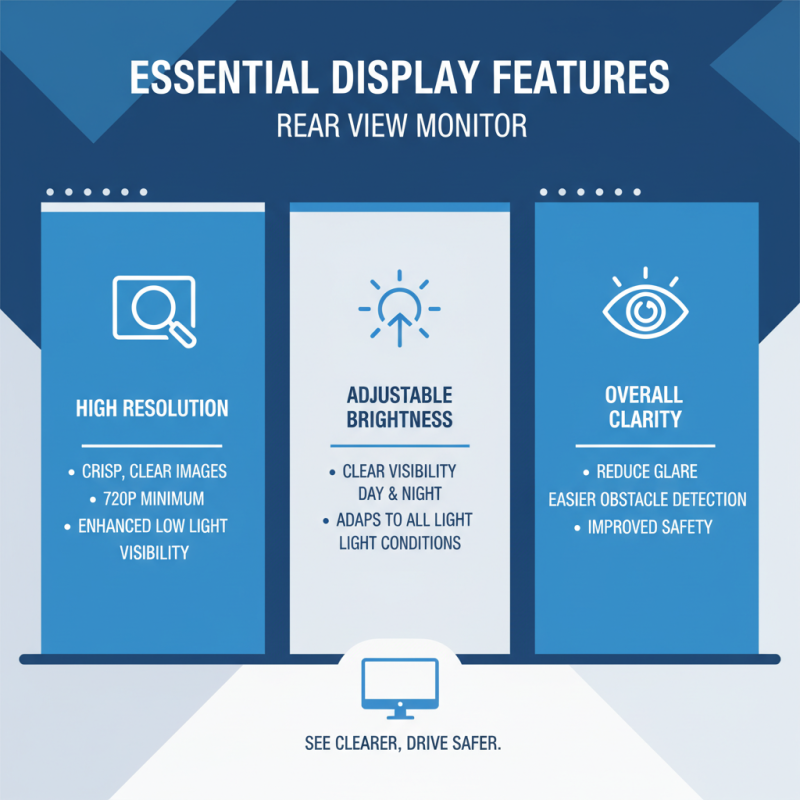
When selecting a rear view monitor, clarity is vital. Look for high-resolution screens that provide crisp, clear images. A monitor with at least 720p resolution enhances visibility, especially in low light conditions. The display should also have good brightness. An adjustable brightness feature helps in various lighting situations, making it easier to see obstacles.
Consider the aspect ratio as well. A wider aspect ratio offers a broader view, reducing blind spots. Screen size matters too. A larger screen can help with better depth perception, yet be careful about size. It should fit well in your vehicle without causing distractions.
Durability plays a key role, too. Look for monitors with scratch-resistant screens. Nonetheless, imperfection can occur, so opt for products that offer warranties. Remember, having the best features is only part of the equation; user feedback can provide real-world insights into a monitor's performance. Personal experiences shared online can guide you toward making a more reliable choice.
Understanding Camera Quality and Image Resolution Metrics
When selecting a rear view monitor, camera quality is paramount. The resolution significantly impacts what you see. A higher pixel count offers clearer images. For instance, 1080p provides crisp visuals, while lower resolutions can blur important details. This clarity becomes essential for safe maneuvering.
Image resolution metrics matter. A wide field of view enables better situational awareness. Look for monitors that support a viewing angle of at least 120 degrees. This range captures more of your surroundings, reducing blind spots. Additionally, consider how lighting affects image quality. Monitors should perform well in low and bright light.
Tips: Always test the monitor before finalizing your choice. Real-world conditions matter more than stated specs. Keep in mind that features can be overhyped. A balance between quality and budget is crucial. Regularly check for updates on new technologies, as the market evolves rapidly.
Best Rear View Monitor Features You Should Look For
| Feature |
Description |
Importance Level |
Recommended Value |
| Camera Quality |
High-definition cameras provide clearer images and better depth perception. |
High |
1080p (Full HD) |
| Image Resolution |
Higher resolution offers better clarity and detail, essential for safe driving. |
High |
1920 x 1080 pixels |
| Night Vision |
Allows for visibility in low-light conditions, improving safety at night. |
Medium |
IR LED or equivalent |
| Wide Angle View |
Offers a broader view of the area behind the vehicle, minimizing blind spots. |
High |
120 degrees or more |
| Display Size |
Larger screens provide easier viewing but must fit securely in the vehicle. |
Medium |
7 inches or more |
| User Interface |
An intuitive interface enhances the user experience and ease of operation. |
Medium |
Easy-to-navigate |
| Durability |
Water- and shock-resistant features ensure long-term usability in various conditions. |
High |
IP67 or equivalent |
User-Friendly Interface and Control Options for Rear View Monitors
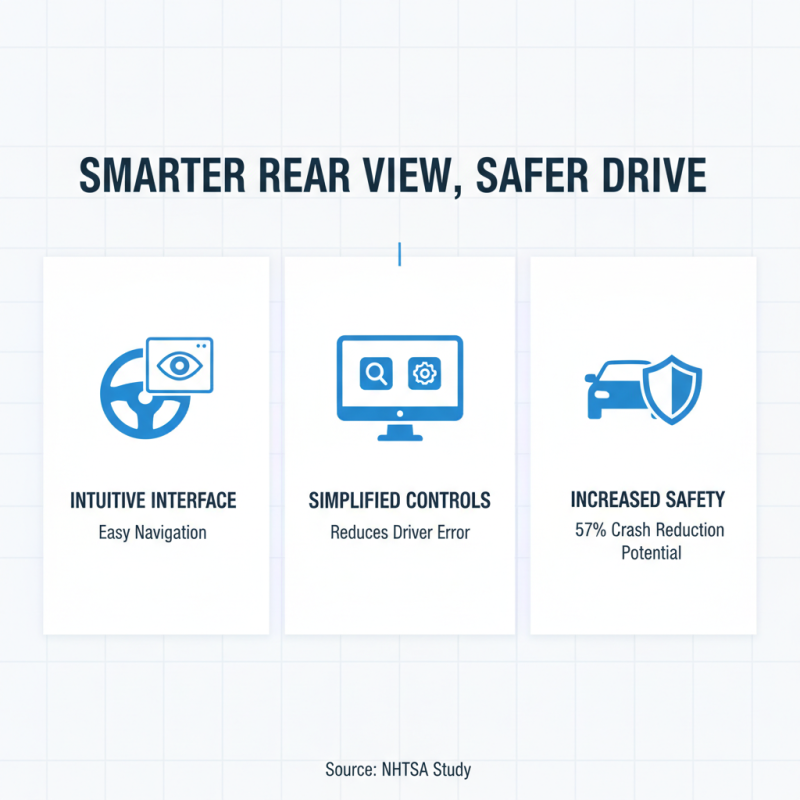
When choosing a rear view monitor, the user interface plays a vital role. A display that is intuitive and easy to navigate enhances the driving experience. According to a study by the National Highway Traffic Safety Administration, 57% of crashes are due to driver error. Simplified controls can reduce these errors significantly. Efforts made to streamline the user experience directly contribute to overall road safety.
Most rear view monitors offer touch screen interfaces. However, tactile buttons should not be overlooked. Some users prefer physical buttons for quick access and safe operation. Research from the Institute of Transportation Engineers suggests that drivers can lose focus for up to 10 seconds when adjusting touch screen controls. Thus, combining both options may provide the best balance.
Tips to consider: Look for monitors with adjustable brightness. Brightness settings improve visibility in various lighting conditions. Also, consider features like voice commands. Voice controls minimize distractions while driving. Finally, check for the monitor's responsiveness. Slow reactions can lead to frustration and potential hazards on the road. Staying mindful of these details can elevate your parking and reversing experience.
Additional Safety Features to Consider for Optimal Performance
When selecting a rear view monitor, consider additional safety features that enhance performance. One crucial aspect is the installation of a high-resolution display. A clear view helps in reducing blind spots. It's essential to have a monitor that shows images in vivid colors and sharp details.
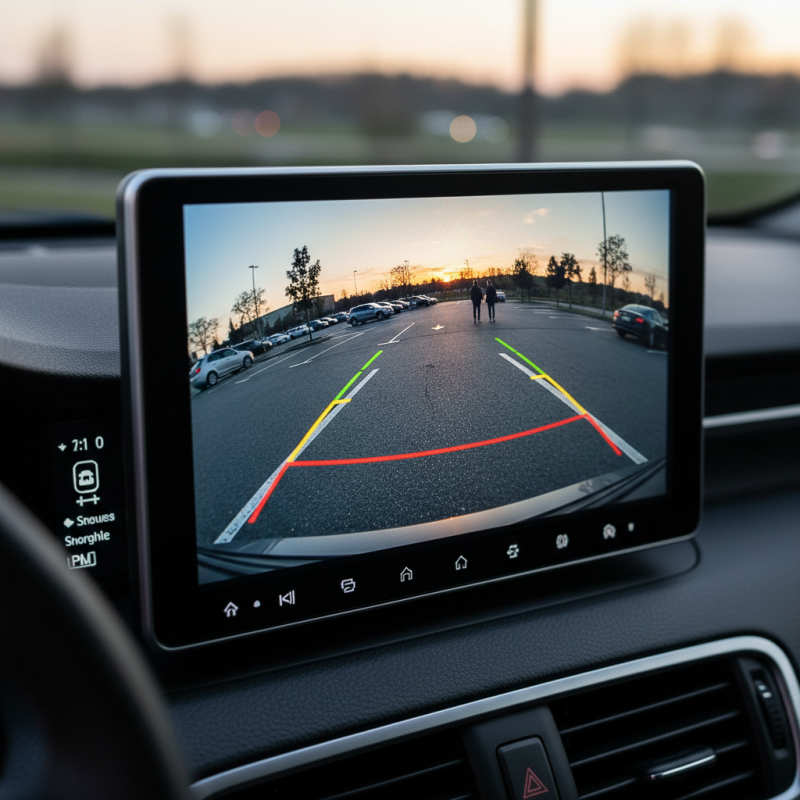
Another feature to look for is the ability to connect with sensors. This integration can alert you to obstacles that may not be visible in the monitor’s view. Such tools can significantly decrease the chances of accidents. A monitor with built-in guidelines can assist in parking, improving overall safety.
Tips: Always test the monitor in real driving conditions. Users report that some monitors work well in bright sunlight, while others struggle. It’s best to evaluate performance before making a final choice. Consider a model that offers night vision capabilities too. Low-light situations present challenges, and good visibility is non-negotiable. Many drivers find this feature beneficial.